Hands-on guide series
Podman and Rootless Containers: A Hands-On Guide
A four-part, hands-on guide to running containers rootless with Podman on a single slice: install and run your first daemonless container as an ordinary user, the user namespace and networking that make it safe, an app-and-datastore pod that talks over localhost, and Quadlet units that run it under systemd. Every command verified on a live Ubuntu 24.04 server.
What you will build
Security is layers, not a switch. Each part closes a different category of attack, from the automated sweep that finds a brand-new server, to the day one gets in anyway. Read them in order, or jump to what you need.
- 1
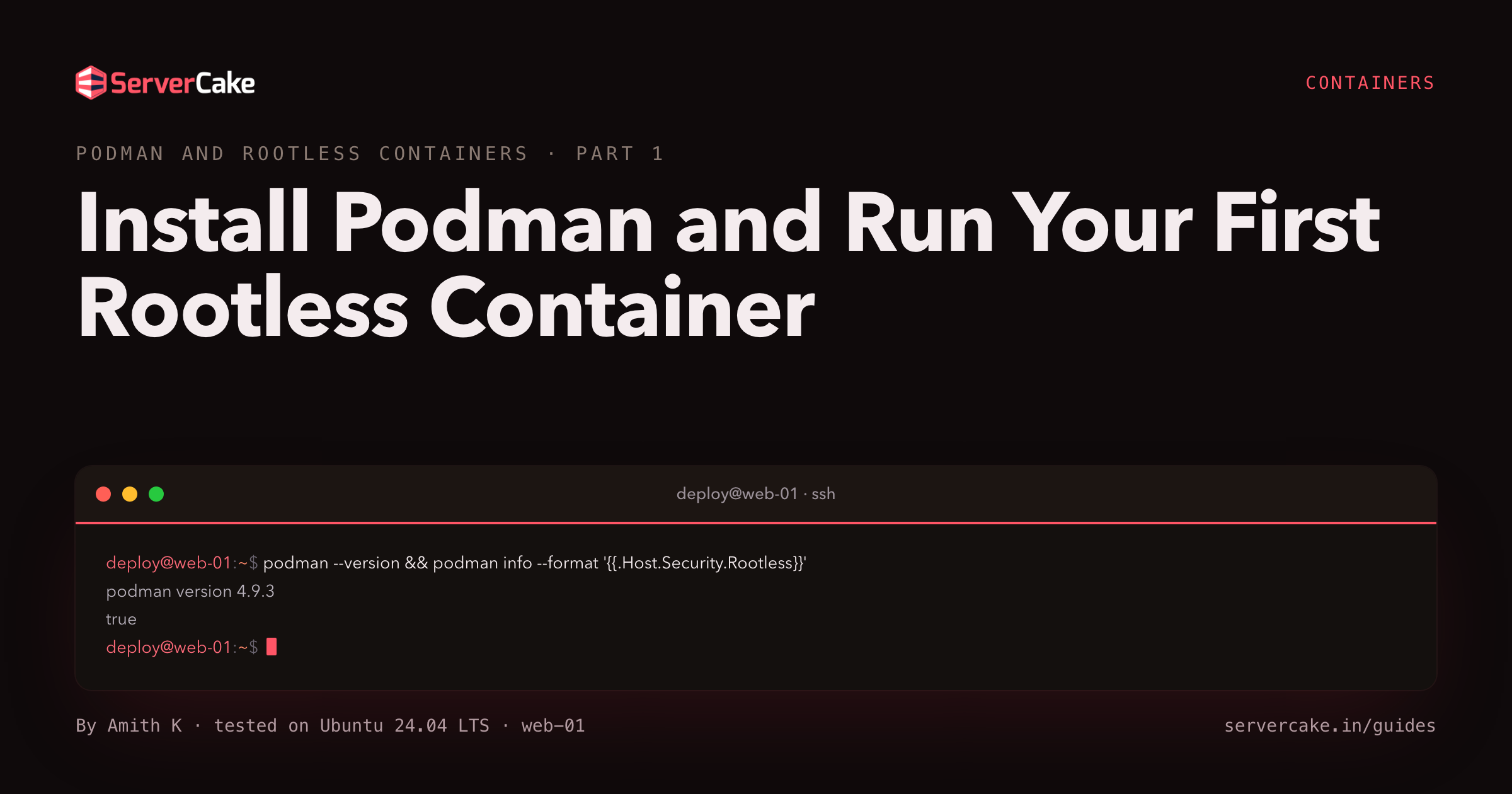 Install Podman and Run Your First Rootless ContainerInstall Podman on a bare Ubuntu 24.04 slice and run your first rootless container as an ordinary user, with no daemon and no root behind it.9 min
 - 2
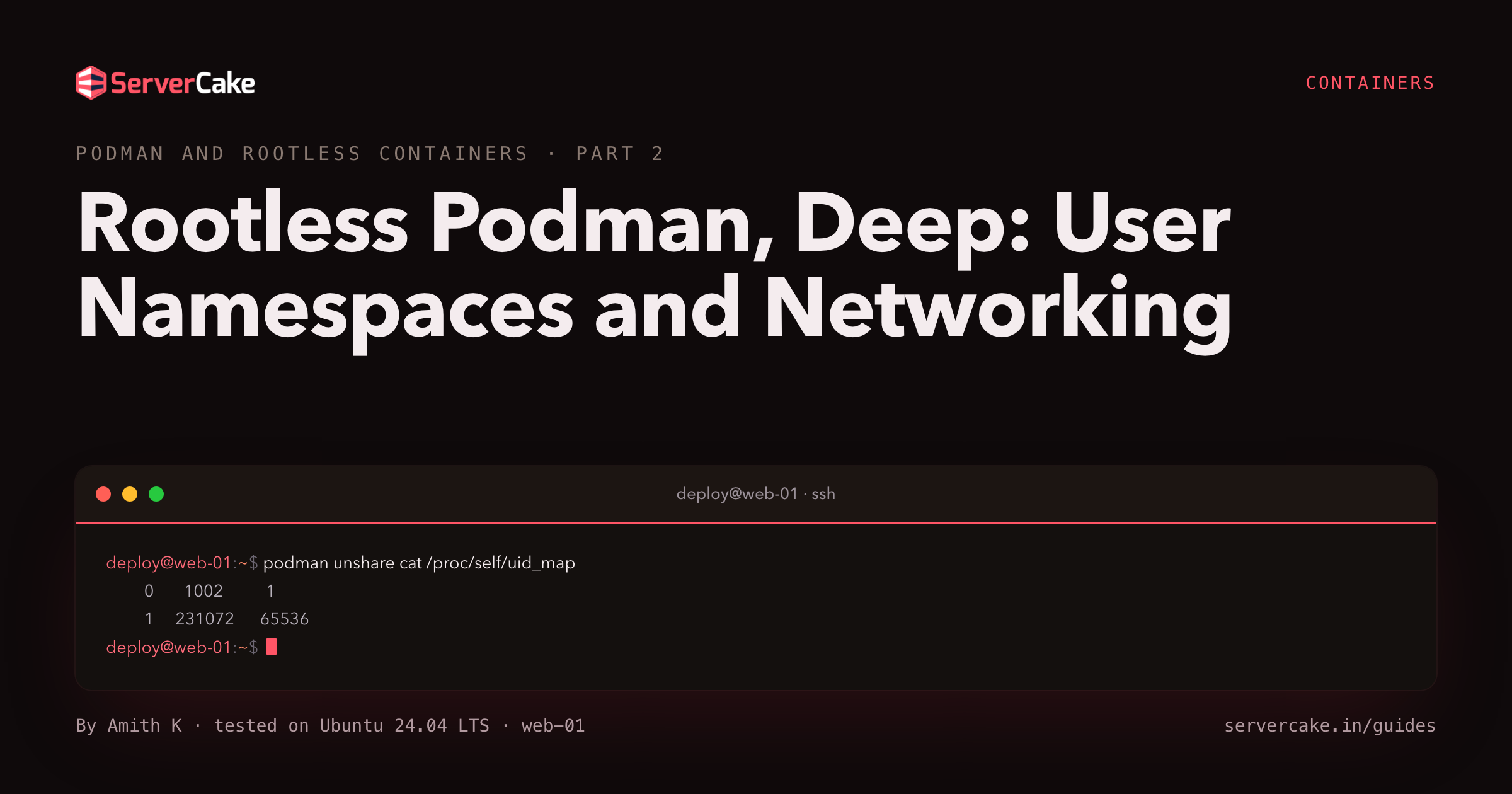 Rootless Podman, Deep: User Namespaces and NetworkingGo deep on rootless Podman: user namespaces, subuid and subgid mapping, slirp4netns networking, and volume ownership across the userns boundary.8 min
 - 3
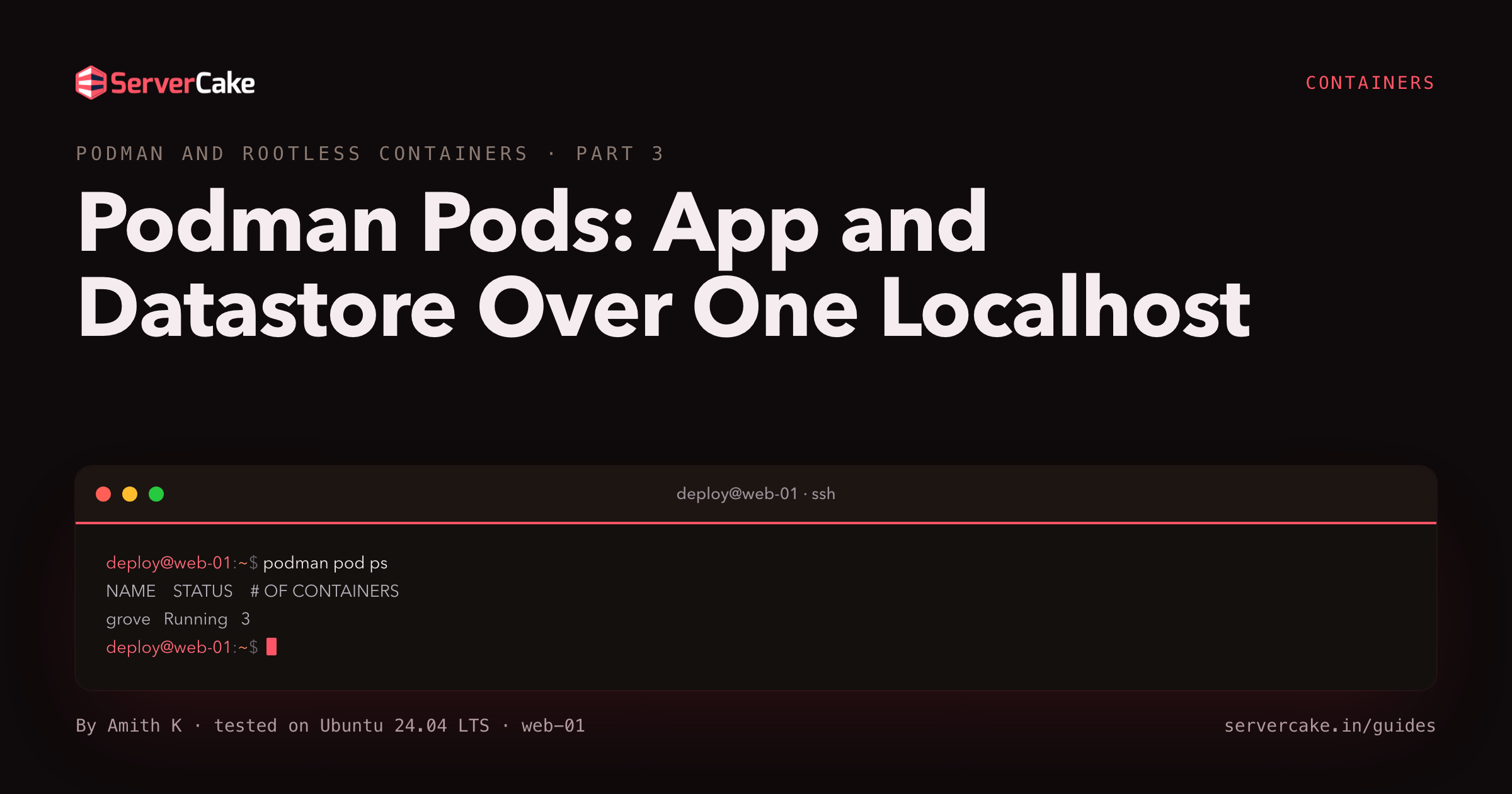 Podman Pods: App and Datastore Over One LocalhostBuild a Podman pod on Ubuntu 24.04: run an app and a Redis datastore in one pod so they talk over localhost, then serve the result to a browser.8 min
 - 4
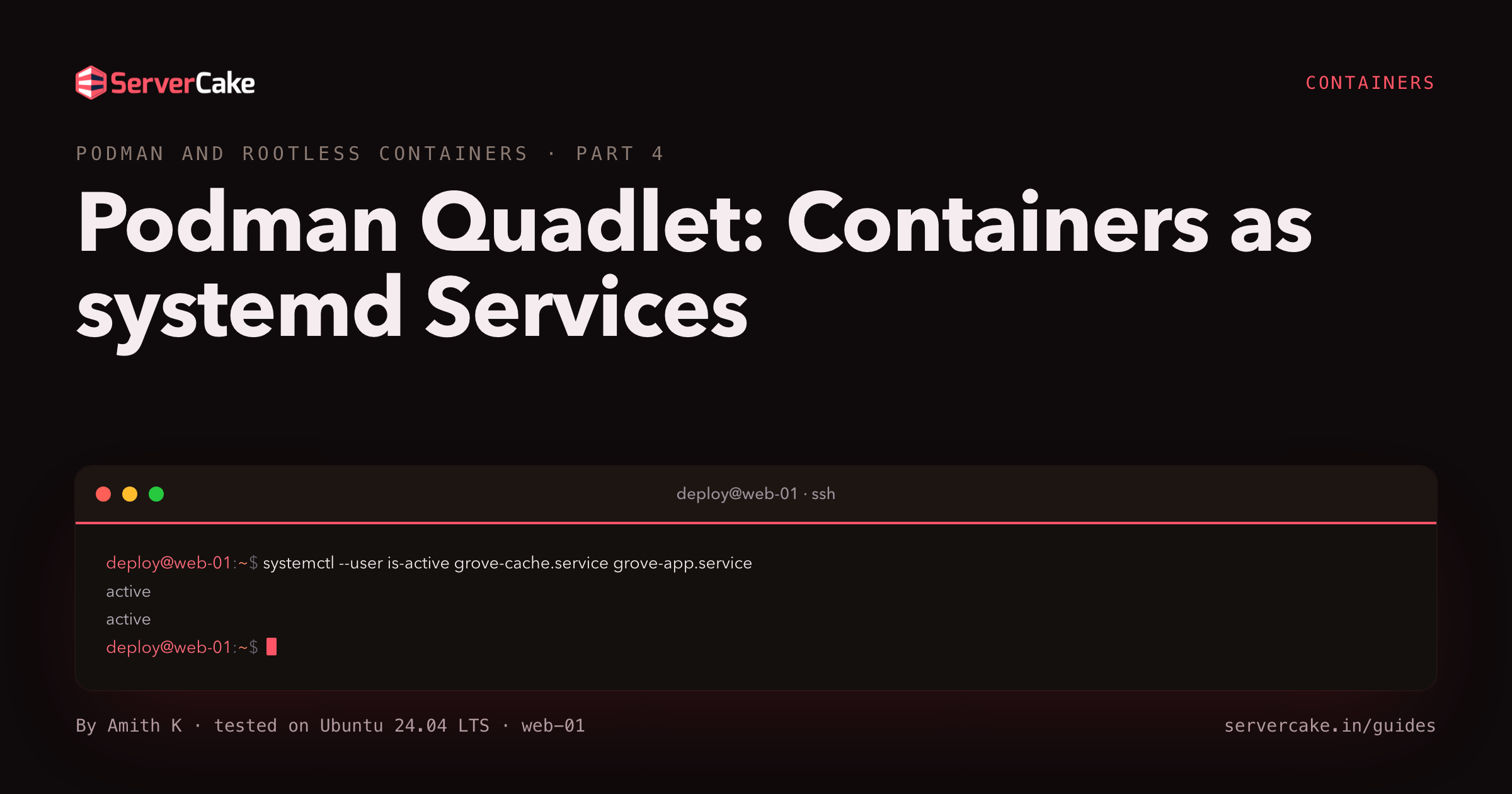 Podman Quadlet: Containers as systemd ServicesRun your containers as first-class systemd services with Podman Quadlet units: auto-start on boot, restart on failure, and rootless user services.8 min