Hands-on guide series
TLS and Certificates: A Hands-On Guide
A five-part, hands-on guide to TLS and certificates on a live server: reading the handshake and certificate chain, issuing Let's Encrypt and wildcard certificates, automating renewal with certbot, enforcing client certificates with mTLS, and debugging TLS with openssl and testssl.sh. Every command tested on a live Ubuntu 24.04 server.
What you will build
Security is layers, not a switch. Each part closes a different category of attack, from the automated sweep that finds a brand-new server, to the day one gets in anyway. Read them in order, or jump to what you need.
- 1
 How TLS WorksInstall certbot on a bare Ubuntu slice, then read a real TLS handshake on a live server: the certificate chain, TLS 1.3, and a Verify return code of 0.10 min
 - 2
 Let's Encrypt and the Wildcard CertificateIssue a Let's Encrypt wildcard certificate with the DNS-01 challenge, and see when HTTP-01 is enough and when only DNS-01 will get the job done.7 min
 - 3
 Automating Renewal with certbotMake certbot renewal automatic and prove it: the twice-daily systemd timer, a dry run you can trust, and a deploy hook that reloads nginx.7 min
 - 4
 mTLS: Client CertificatesRequire a client certificate with nginx mTLS: build a demo CA, turn on ssl_verify_client, and watch a request without the certificate get refused.7 min
 - 5
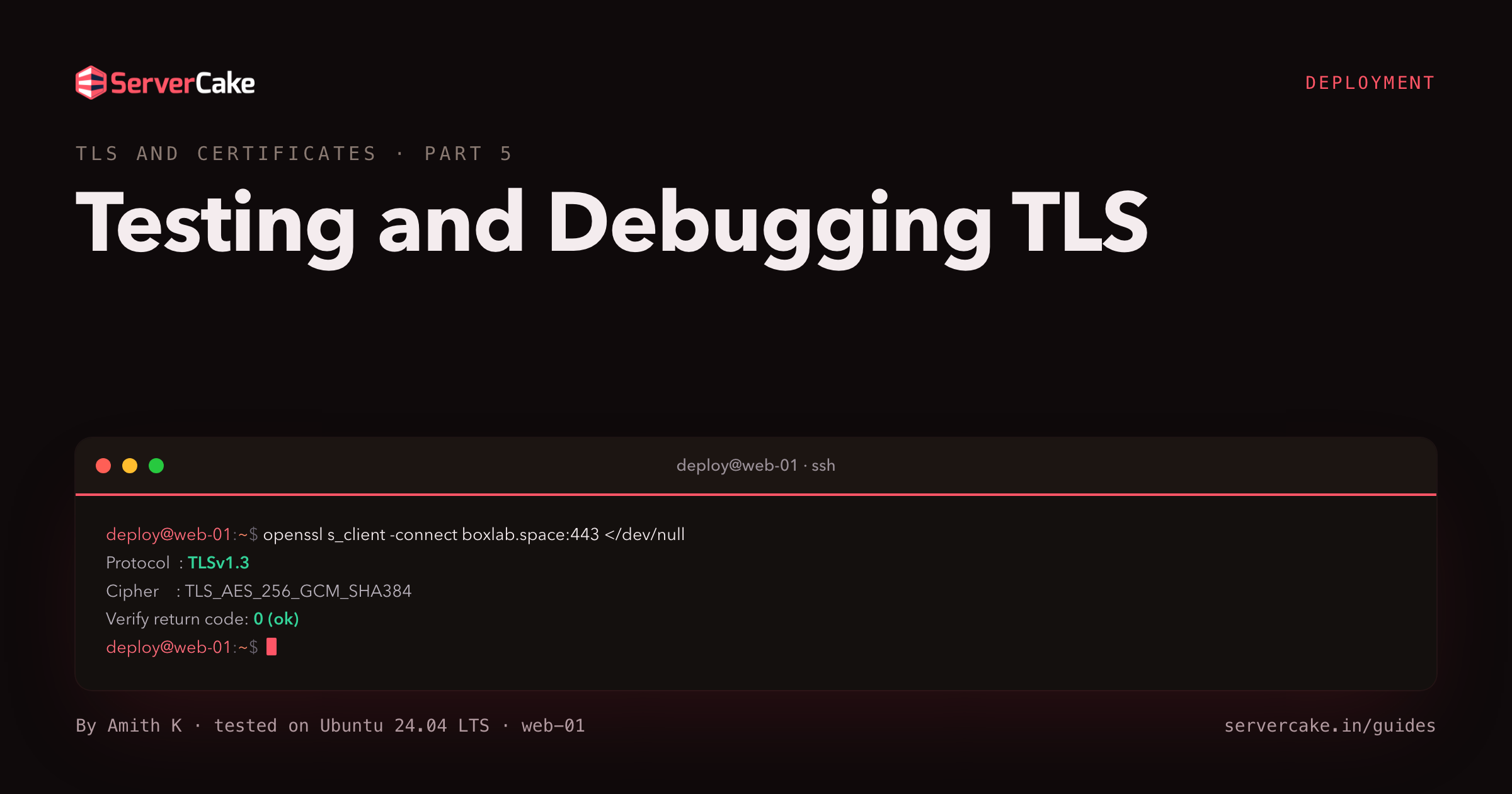 Testing and Debugging TLSA TLS debugging playbook with openssl and testssl.sh: read the handshake, check expiry, and fix chain order, SNI mismatch and expired certificates.6 min