Systemd guides
Hands-on guides that cover Systemd. Every command is run and verified on a live server before it is published.
 Guide
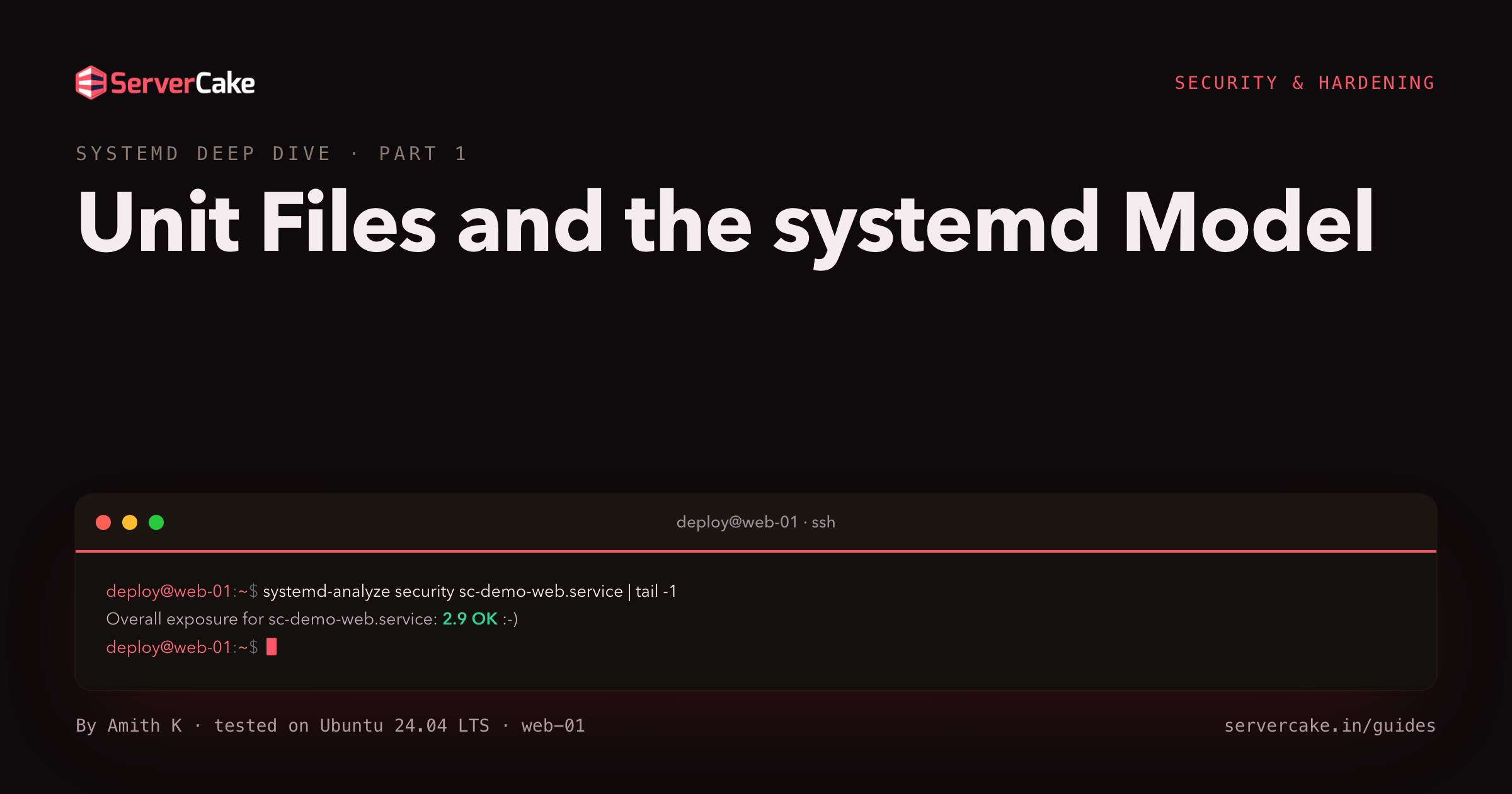
GuideUnit Files and the systemd Model
Turn a bare script into a systemd service that survives a crash, then read the systemd unit files behind it: sections, systemctl cat and drop-ins.
 Guide
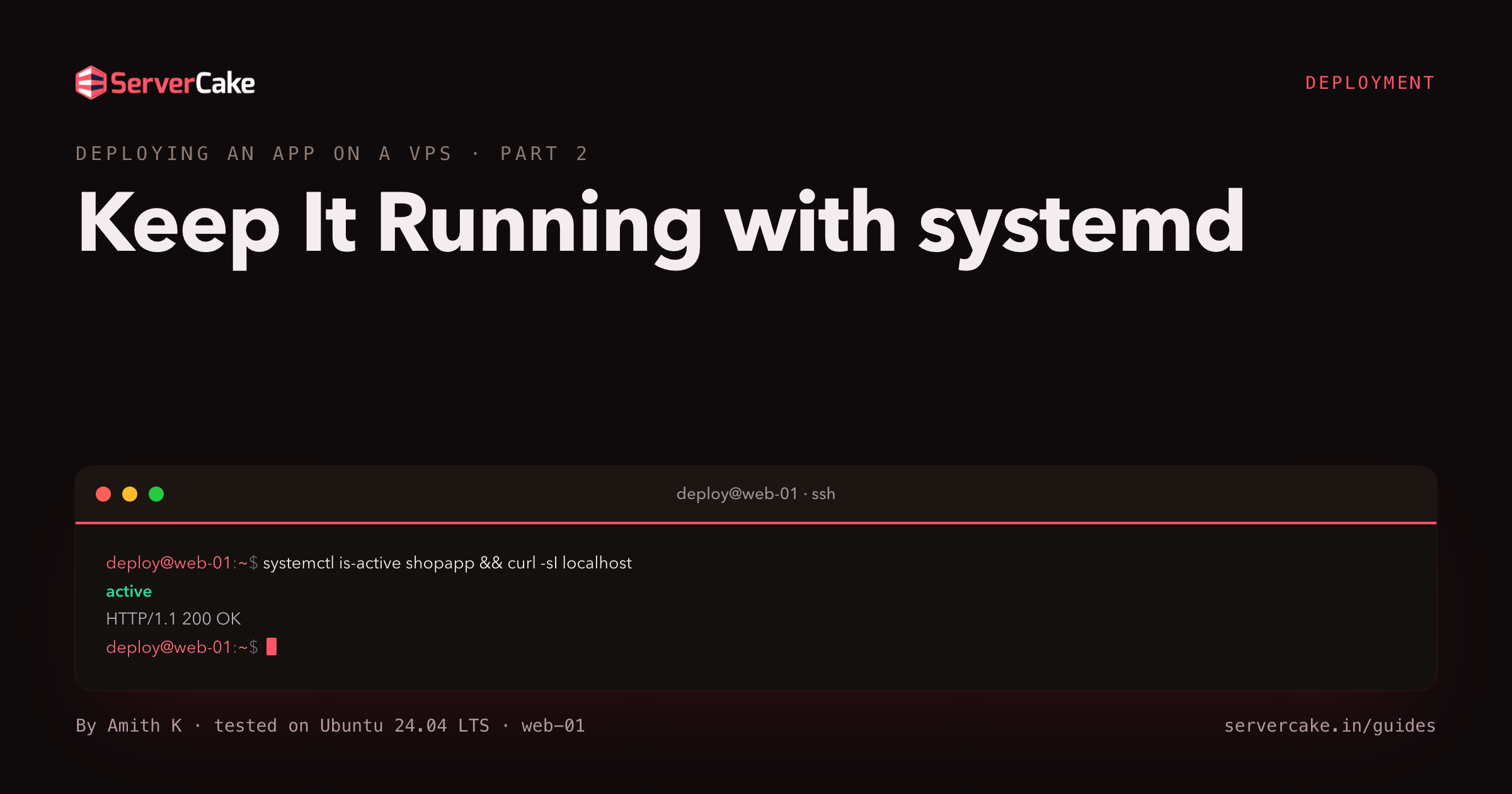
GuideKeep It Running with systemd
An app started in a terminal dies when you close it. Write a systemd service so your Node app starts on boot, restarts on crash, and logs to the journal.
 Guide
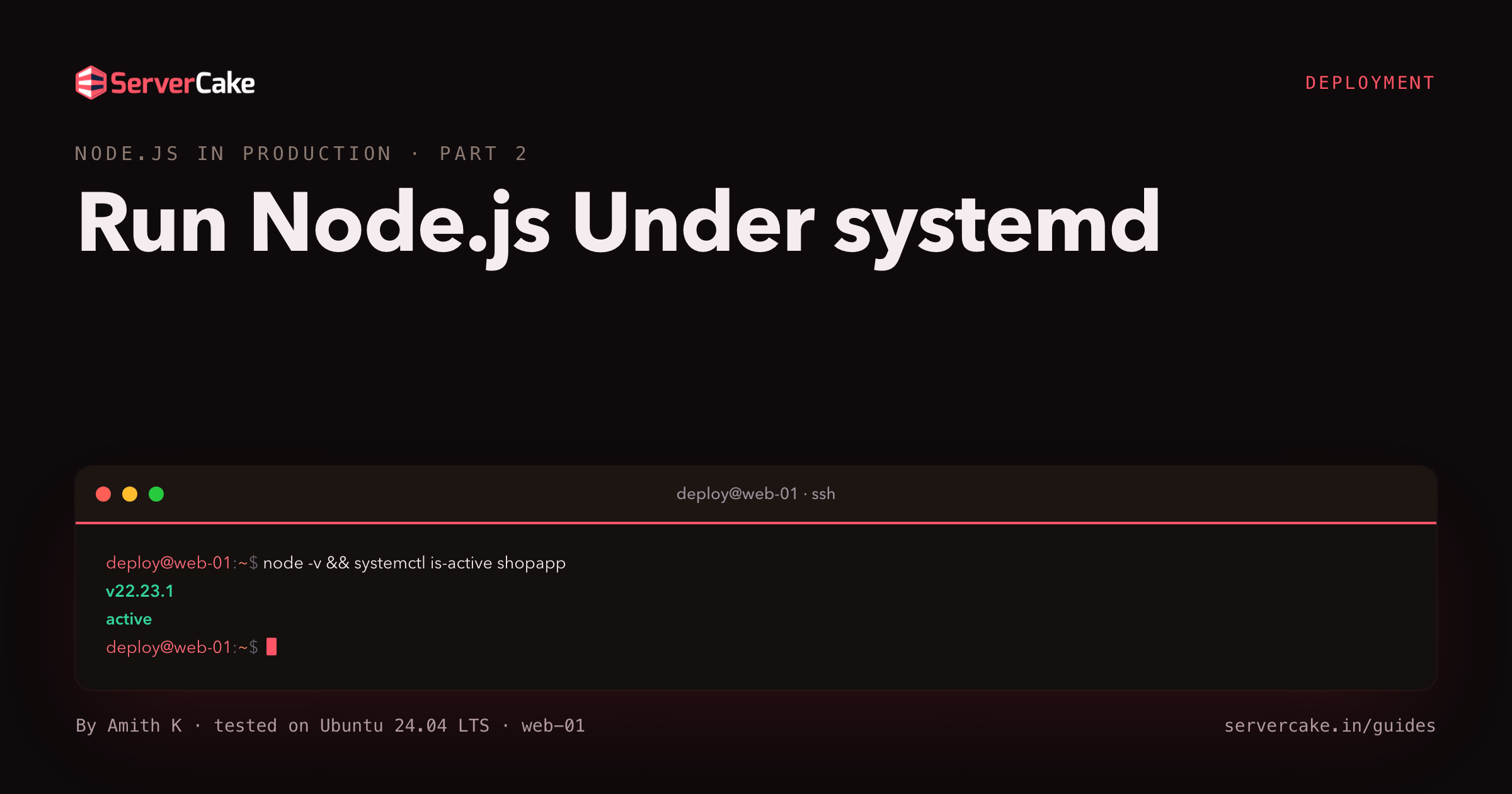
GuideRun Node.js Under systemd
Turn the node.js app into a systemd service that starts on boot and restarts on failure. Kill the process by hand and watch systemd bring it back with a new PID.
 Guide
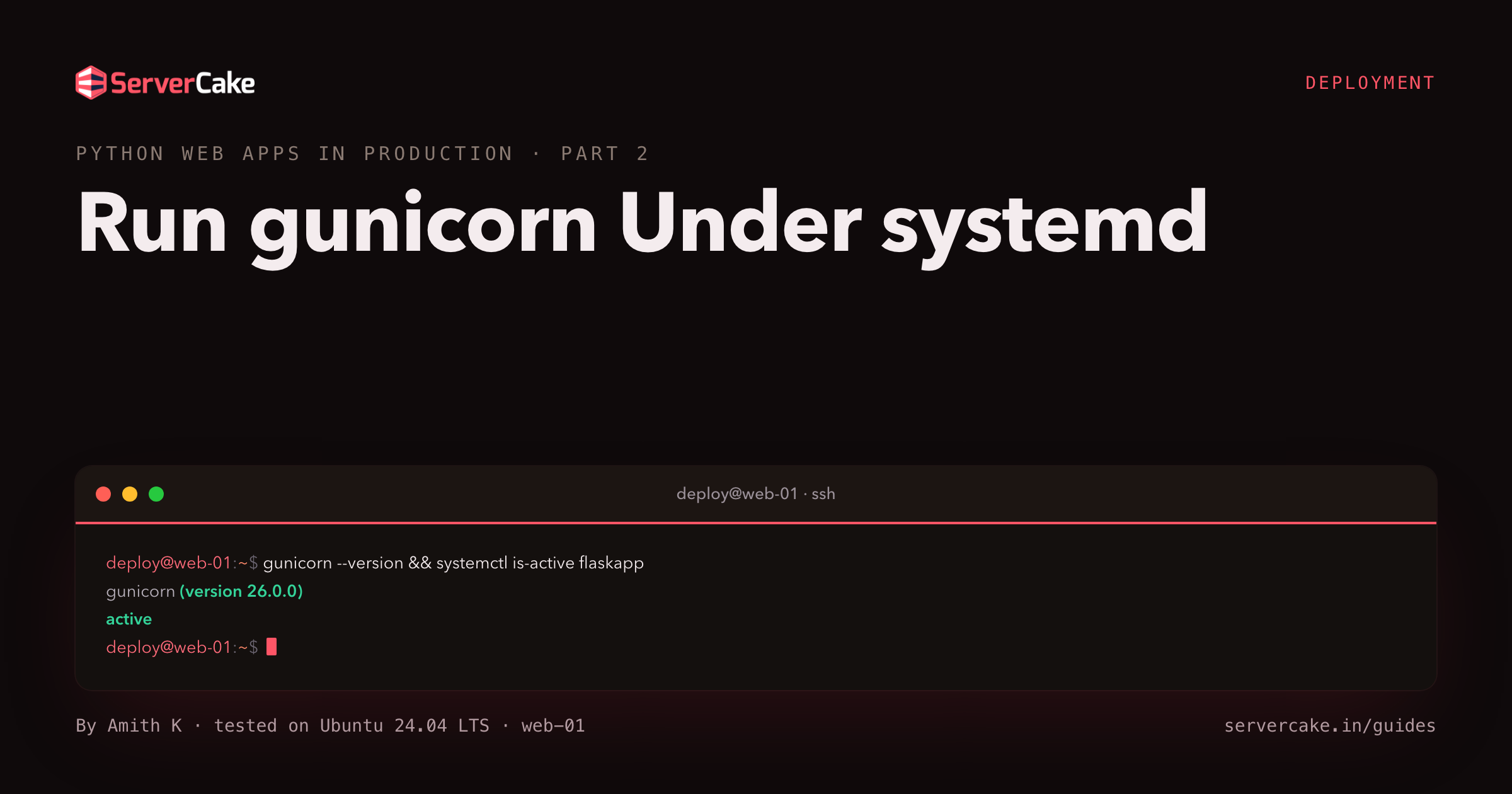
GuideRun gunicorn Under systemd
Turn a Flask app into a gunicorn systemd service that starts on boot and restarts on failure, then kill it and watch systemd bring it back with a new PID.
 Guide
GuideWriting systemd Services Well
Write a systemd service that behaves: pick the right Type, set Restart=on-failure, order it after its dependencies, and watch systemd recover a crash.
 Guide
GuideRetention and Automation
Give restic a retention policy that prunes old snapshots, then wrap backup automation in a systemd timer that runs nightly and alerts on failure.
 Guide
Guidesystemd Services Explained
Server software runs as a service that starts on boot and restarts on failure. Meet systemd, the service manager on every Linux box, and read a live status.
 Guide
Guidesystemd Timers vs cron
Replace cron with systemd timers: schedule with OnCalendar, catch up a missed run with Persistent, add a randomized delay, and list what is armed.
 Guide
GuideSandboxing and Hardening a Unit
Apply systemd sandboxing to a service: ProtectSystem, NoNewPrivileges and a syscall filter, then watch the exposure score fall on a live server.
 Guide
GuideReading Logs With journalctl
When a service misbehaves, its logs live in the journal, not a text file. Read one service with journalctl, follow the systemd logs live, and filter by time.
 Guide
GuideResource Control with cgroups v2
Use systemd resource control to cap a service: set MemoryMax and CPUQuota, watch a cgroup OOM-kill a memory hog, and throttle a busy loop to a fifth of a core.
 Guide
Guidesystemd Timers
systemd has its own scheduler that does more than cron. Create systemd timers that trigger a service, list the next run time, and see when they beat cron.